ESP-Now Beacon fail

image

I have been trying to build something that will allow my robot car to navigate autonomously to a beacon indoors.

The first attempt at this using Bluetooth didn’t work:

https://blog.ciaopslabs.com/2026/08/02/bluetooth-beacon-fail/

mainly because Bluetooth doesn’t have enough range.

The second attempt using ESP-Now (radio) has also not really worked, this time mainly due to the signal reflections indoors.

Initially, I started off by just swapping out the Bluetooth beacon code for the ESP-Now code but that didn’t seem to actually work. I then simplified it down to just a beacon and a responder. In effect, I replicated a sonar system where the responder would beep faster the closer it got to the beacon.

After plenty of testing I discovered that the reflections due to the indoors environment made it next to impossible to get reliable directions using this process. I have however uploaded the bacon code here:

https://github.com/directorcia/Azure/blob/master/Iot/LLM/beacon.ino

and the responder code here:

https://github.com/directorcia/Azure/blob/master/Iot/LLM/llm-sonar.ino

the recommended solution is to use UWB, which would mean at least 2 senors like this:

https://core-electronics.com.au/challenger-rp2040-uwb-dwm3000.html

which aren’t cheap if I am just testing.

Another option is to move the project to using robot vision, which I was going to get to and have done before. However, I’m going to have a think about whether this is the direction I want to go or perhaps it is time to try something new?

Simulation for improvement

image

If you have been following along with my robot car guided by AI project you’ll know that I got it working with Gemini. I then switched to using Azure AI Foundry. Finally, I changed the code so that car ran most of the local decisions while the AI just made the major navigation decisions.

Each time navigation did improve, but I would have to observe the movements and tell the AI what issues I’d seen and then the Ai would go off and improve the code. I’d then test and update again, round and round in a loop. Each time there was a small incremental change in navigation ability but I still faced edge cases the existing algorithm struggled with.

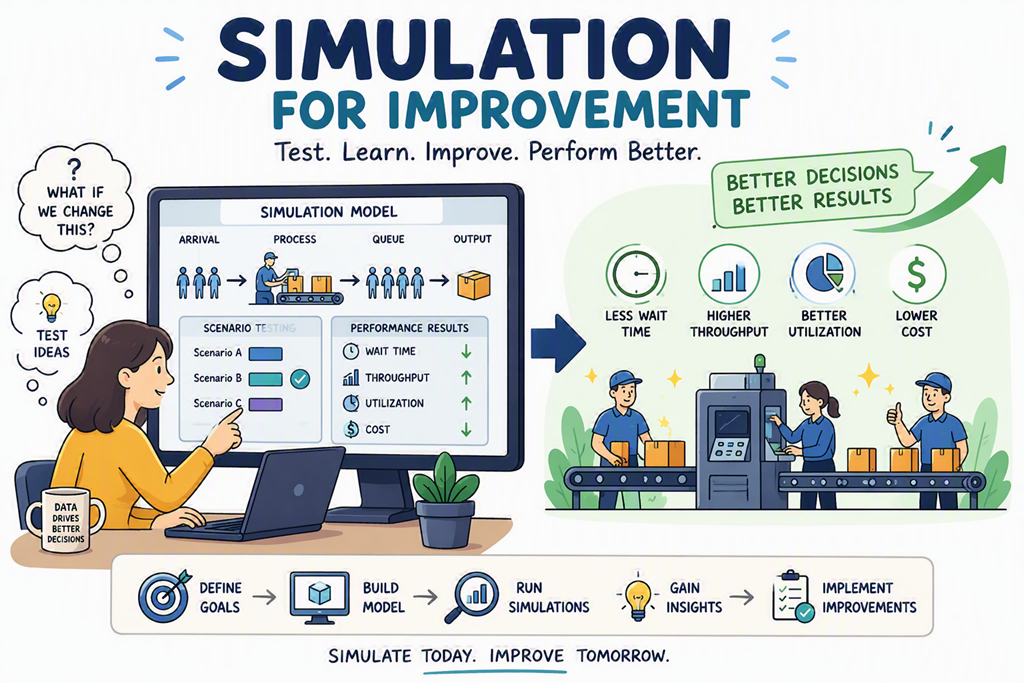
I could have continued this update, observe, update loop infinitum, making constant incremental improvements. However, when I stepped back and though about how AI systems improve I realised that it was via repetitive learning in a simulated, rather than real environment.

I therefore asked Github Copilot to simulate the algorithm of the robot cars navigation and then test that via simulation. Any improvements learned via the simulation should then be applied back to the robot cars code. I then unleashed Github Copilot to complete this task, without asking for input, until it reached a near prefect navigation result in the simulator.

The result is this code:

https://github.com/directorcia/Azure/blob/master/Iot/LLM/llm-nav-max.ino

which I will say, although far from ‘perfect’ achieved much better results than the incremental ones I was obtaining simply by observational feedback.

The success I’ve had here using the concept of a simulation to test the algorithm and then continue to iterate to improve the code has made me think about what else I could apply this ‘simulation’ process to when other AI work I am performing.

Interesting.

Having the AI make make better decisions

image

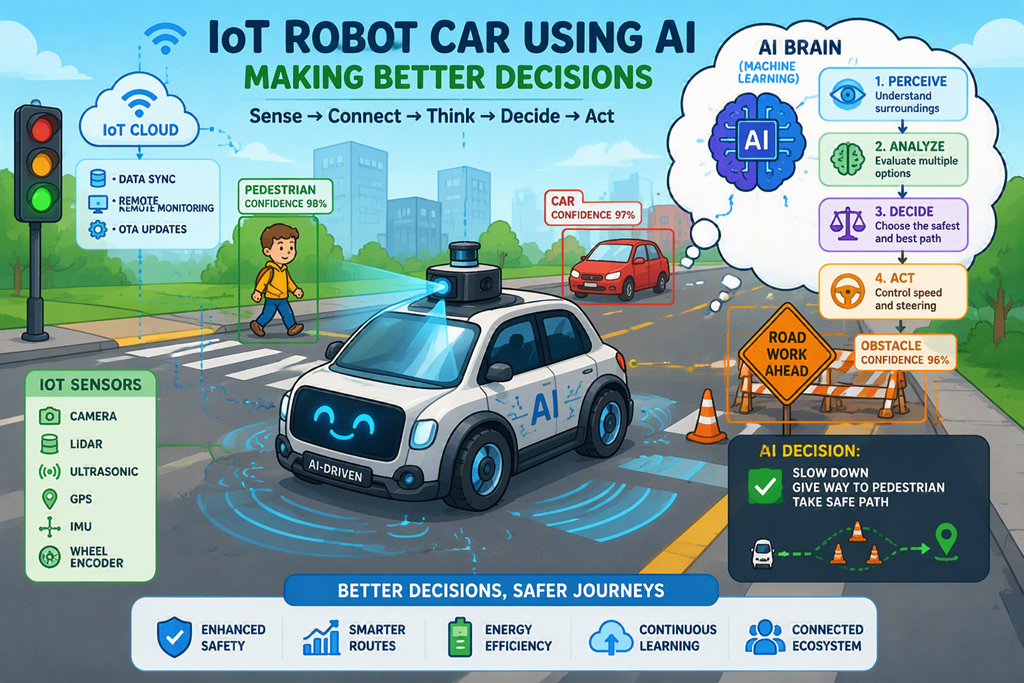
After some Ai prompting it was suggested that my robot car navigation would improve if the car did more itself with local routines and only used the AI when it could not decide so I plugged away and ended up with this code:

https://github.com/directorcia/Azure/blob/master/Iot/LLM/llm-nav-max.ino

you will see:

An ESP32 robot car drives forward until its ultrasonic sensor (mounted on a pan servo) detects an obstacle.  On each hazard event a two-tier decision pipeline fires:

1. LOCAL PLANNER  – scores three candidate maneuvers (strafe, 90° turn, and  backup+turn) using live L/F/R distance readings, front-clearance trend, and oscillation history.  If the result is “obvious” (high confidence, low risk, no repeated-trap condition) it is executed immediately without any network round-trip.


2. FOUNDRY ARBITER – when the local answer is ambiguous, or a repeated-trap is detected, a structured prompt is posted to an Azure AI Foundry Responses API endpoint.  The LLM names one candidate plan and returns a confidence score. The response is validated and sanitized; any failure falls back to the local plan.


After every maneuver the robot re-scans, records the front-clearance delta, and feeds plan quality (improved / worsened) back into the next decision cycle.

After a quick test, navigation does seem more intelligent, although it seems to make decisions a long way away and tends to get lost in wide open spaces with object far away. However, I think that if I nvested more time I could improve all that.

I have an additional idea on how I might improve the navigation in an upcoming article, but for now I think I’m pretty much done with the concept of navigation.

Controlling a robot car with AI

image

After having AI show my fortune, the next project was having AI navigate my robot car.

To keep things simple I constrained movement to a 5 x 5 grid ( X = 0 – 4 and Y = 0 – 4) and the car could only move N, S, E or W one cell at a time. To get the algorithm right and test this with Ai before actually applying it to the car I simulated the result on the OLED screen I had previously configured.

With that all working I upgraded the code to run with the robot car and you’ll find it here:

https://github.com/directorcia/Azure/blob/master/Iot/LLM/llm-cellmove.ino

The main issue I found was more mechanical with the robot car wheels dragging and not being very precise, so the car woudl easily wander off in different directions. This has more to do with teh quality of the motors and wheels as well as the friction encountered when the wheels start moving. However, aside from that the test worked successfully and the car cycled up the grid and then back down.

Next, I wanted the AI to actually assist with the navigation of the car. I went through plenty of iterations with this. The most important change is that I moved from using a local AI to using Gemini via API calls. The main reason for this was simply speed. As the prompts became larger the local AI model struggled to return the results to the car in enough time to implement effective navigation. I had also wanted to integrate large cloud based LLM so here was the opportunity, so I hooked up Gemini.

The robot car also has an ultrasonic senor connected to a motor at the front so I could sweep it left and right as well for better object detection. However, initially I kept it simple and all on teh car by just using the ultrasonic sensor to detect hazards and try to makeover around them. The code for that is here:

https://github.com/directorcia/Azure/blob/master/Iot/LLM/llm-sweep.ino

I then upgraded the code to integrate the LLM into the navigation process by making decisions on which direction to turn. That code is here:

https://github.com/directorcia/Azure/blob/master/Iot/LLM/llm-sweep.ino

One issues I ran into, that wasted a lot of my time and was totally my own fault, was when I started having issues with the wheel moving the car forward. I blamed the code but in fact, again it was a hardware issue, being the battery charge had become too low to actually drive the wheels acceptably. It is interesting at how quickly that car now actually drains power when fully running.

With the power issues resolved I upgraded the code a number of times to allow the LLM a much higher level of navigation control. You’ll find the final result here:

https://github.com/directorcia/Azure/blob/master/Iot/LLM/llm-assist-nav.ino

The end result of all these experiments is that I have learned that in the full configuration the car now burns a lot of power as it moves, turns the sensor, communicates over wifi and more. all the changes I made to the code would make the car slightly less likely to crash into objects on the floor but a lot more though needs to go into ‘crash free’ navigation. The obvious improvement is to add more sensors to provide the LLM with more information to make better decisions. I also found that the wheel on the car are not precise enough and don’t really provide the best grip. This means they tend to be slow to engage and lag cause the car to veer.

I think all of these can be solved iteratively over time and I am confident that I can get to a situation that allows the robot car to move pretty much crash free around the floor just like a robot vacuum can already. However, the time required is probably not something that I’m willing to invest in just now to get a little incrementally better. I’m happy that my ‘proof of concept’ when it comes to navigation with LLMs works. I think it is time to move onto the next project.