

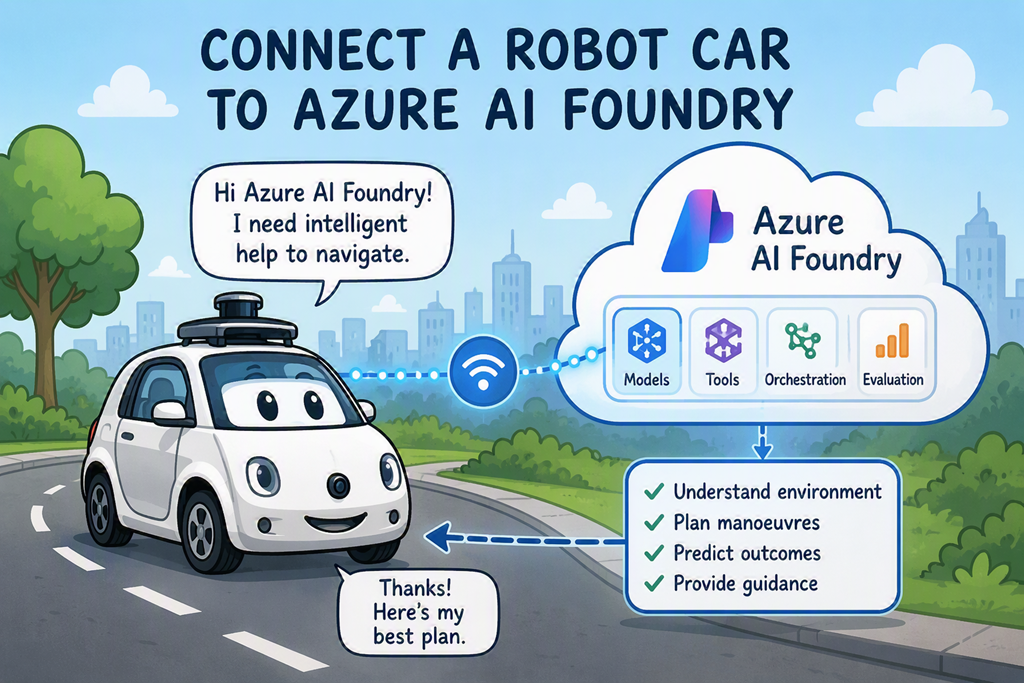
If you have been following along you will know that I’ve connected a robot car to both a local LLM and cloud based Gemini. The last iteration is here:
https://blog.ciaopslabs.com/2026/07/18/controlling-a-robot-car-with-ai/
I decided that I should connect the car to Azure AI Foundry because there are so many more models available as well as everything else that comes with Azure.
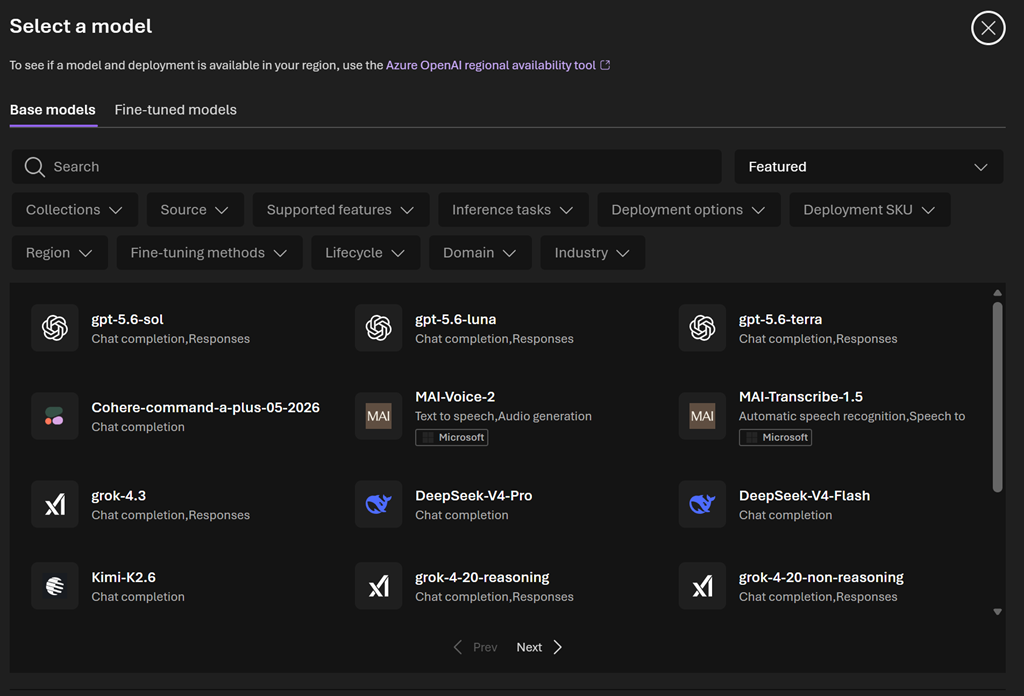
So I set up a simple Foundry project
Step 1: Create an Azure AI Foundry Project
- Browse to Azure AI Foundry:
- Sign in with your Azure account.
- Select:
- Create Project
- Project Name:
RobotNavigation
- Create or select:
- Azure Subscription
- Resource Group
- Azure AI Services Resource
- Azure Subscription
- Wait for deployment to complete.
Step 2: Deploy a Model
Within your Foundry project:
- Open:
Model Catalog - Deploy:
- GPT-5-mini
- GPT-5.1-mini
- GPT-4.1-mini
- GPT-5-mini
For a robot car:
GPT-5-mini
is usually sufficient and inexpensive.
Step 3: Obtain Connection Details
From Foundry copy:
Endpoint URL
API Key
Model Name
C++
#define FOUNDRY_RESPONSES_URL \
“https://robot-navigation-resource.services.ai.azure.com/openai/v1/responses”
#define FOUNDRY_MODEL “gpt-5-mini”
The recommendation was the use the gpt-5-mini model, so I plugged it into the existing code, made a few improvements and ended up with this:
https://github.com/directorcia/Azure/blob/master/Iot/LLM/llm-foundry.ino
My observation is that the navigate is generally better but the delays are longer when it has to ‘thinlk’ (aka go to the LLM). This has to do with the size of model, basically gpt-5-mini vs gemini3-flash.
So, the lesson here is I need the smallest possible model for the job. For now I’ll stick with gpt-5-mini.
So more research indicates that I shoudl probably offload more processes to the local device and only the LLM at a much higher level. A better plan seems to bei instead of asking the LLM to invent a manoeuvre plan, ask it to choose from local candidate plans you already created.
So let me go and try that now.

