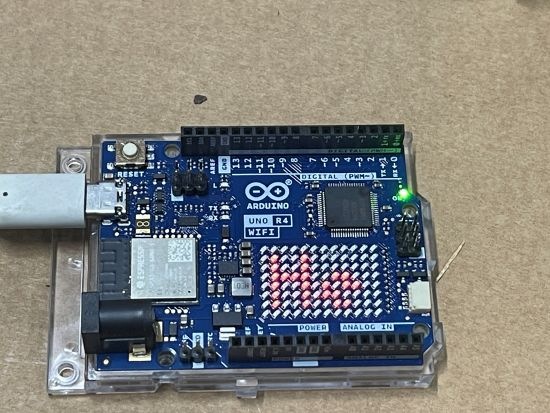
After getting my robot car to navigate autonomously around the next challenge was to have it hone in on a beacon. The initial suggestion was to use another Acebott ESP32 broadcasting a repeated Bluetooth signal.
In short, this ended up failing simply because the Bluetooth signal was simply not strong enough across any meaningful distance (that is, greater than 2 metres).
It want to make this project work and the suggested next options is to use something called ESP-NOW.
ESP-NOW: Direct Device-to-Device Communication for ESP32 Projects
What is ESP-NOW?
ESP-NOW is a proprietary wireless communication protocol developed by Espressif that allows ESP32 and ESP8266 devices to communicate directly with each other without requiring a Wi-Fi router, access point, or internet connection.
Think of it as a lightweight, low-latency messaging system that uses the ESP32’s Wi-Fi radio to exchange data directly between devices.
Key Benefits
- No Wi-Fi network required
- Low latency communication
- Low power consumption
- Simple device-to-device messaging
- Works alongside Wi-Fi in many scenarios
- Native support on ESP32 hardware
- Typical range often exceeds BLE
How It Works
Rather than sending data through a router:
ESP32 —> Router —> ESP32
ESP-NOW allows direct communication:
ESP32 <—–> ESP32
Each device is identified by its MAC address, allowing messages to be exchanged directly.
Typical Uses
ESP-NOW is popular for:
- Robot-to-robot communication
- Sensor networks
- Remote controls
- Home automation
- Wireless telemetry
- Drone communications
- IoT projects requiring low latency
For ESP32-to-ESP32 projects, ESP-NOW is often preferred over BLE when communication range and update frequency are important.
Using ESP-NOW for Robot Navigation
A robot can receive regular beacon packets from a stationary ESP32 and use that information to estimate whether it is moving closer to or further away from the destination.
Example:
-85 dBm = Far
-70 dBm = Closer
-55 dBm = Very Close
Limitations
ESP-NOW provides:
✅ Fast communication
✅ Good range
✅ Direct device-to-device connectivity
ESP-NOW does not provide:
❌ Precise distance measurements
❌ Direction information
❌ Indoor positioning
For navigation applications, RSSI values can be affected by:
- Walls
- Furniture
- Metal objects
- Reflections
- People moving through the environment
Why ESP-NOW Matters
For ESP32-based projects, ESP-NOW offers a simple and effective way to exchange data between devices without the complexity of Wi-Fi networking. It is particularly useful when low latency, low power consumption, and direct communication are more important than internet connectivity.
For robotics, ESP-NOW can provide a low-cost method for building wireless beacons, sharing telemetry, and coordinating multiple robots using hardware many makers already have available.
Apparently, I can use ESP-NOW and still have the Robot car connected to the Internet via Wifi. Given that it won;t cost me anything except some time to code, let’s see how we go.