

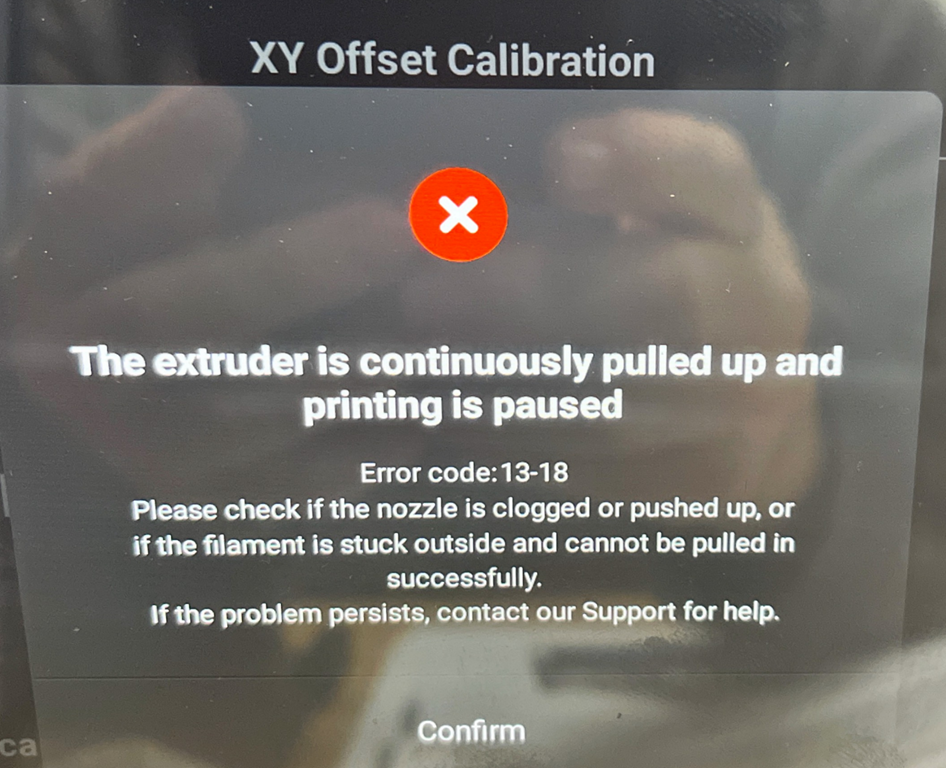
XY Offset Calibration

The extruder is continuously pulled up and printing is paused

Error code: 13-18

Please check if the nozzle is clogged or pushed up, or if the filament is stuck outside and cannot be pulled in successfully.

If the problem persists, contact our Support for help.

Confirm
When I first got my Snapmaker Artisan and I started doing 3D prints, I found I got the above error quite regularly. Turns out the solution is in fact quite simple.
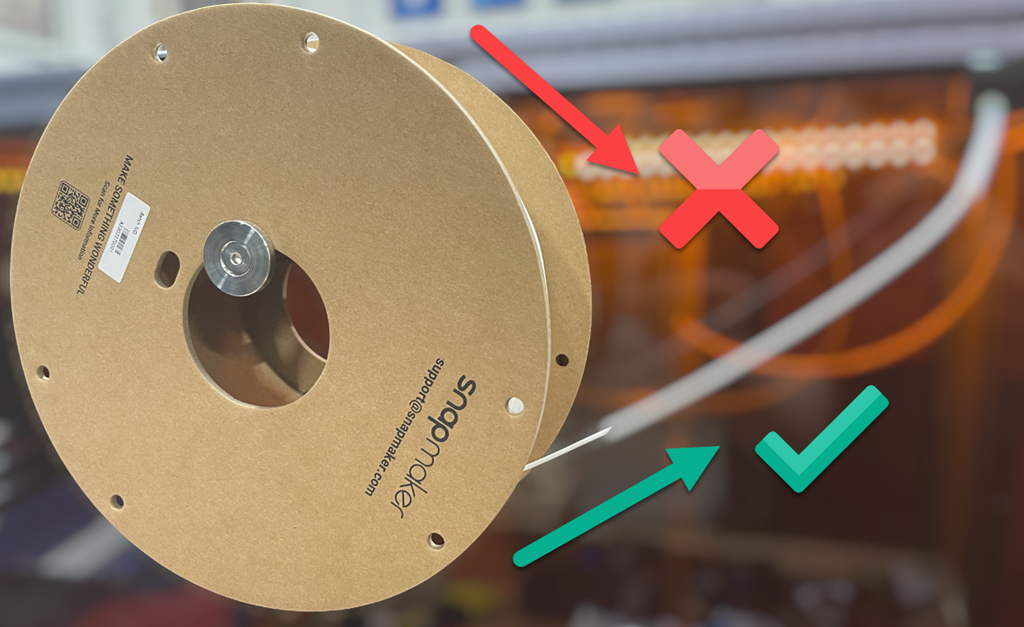
Initially, I had my filament feeding from the top of the roll into the enclosure. This creates additional friction and resistance to the filament feeding smoothly. When I changed the the orientation of the filament roll to feed from the bottom, as shown above, and let gravity do some work, ‘the extruder continuously pulled up’ error has not returned.
The resolution seems simple in hindsight, but during initial set up, on top of everything else, it wasn’t something that I paid attention to. So, if you are having filament being pulled up issues, ensure your filament is feeding with the least amount of friction. This typically means ensure it is feeing from the bottom, not the top, of the reel.
 CIAOPS Labs