

A while back I did some laser etching onto 3mm thick plywood:
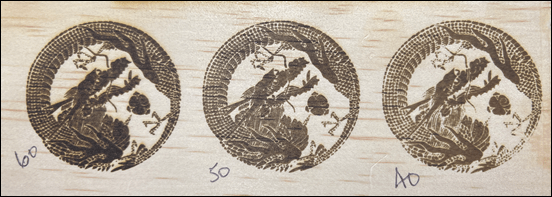
and applying varnish AFTER etching I got the following result:

I applied the varnish to opposite side of the plywood which was blank. I then re-did the etching which resulted in the following result:
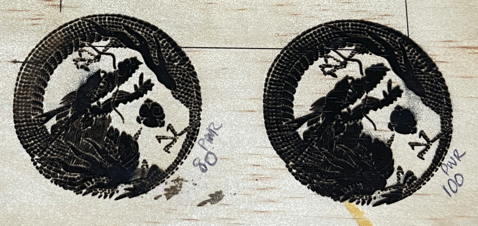
I found that I made no impression on the varnished surface at either 40 or 50% power so I sent straight to 100%. Based on what I can see I reckon about 60% will give me the same as the 50% pre-varnish did.
Thus, i makes more sense that you need to use more laser on something that has been varnished and that additional power I would suggest is around 10-15% to get the same kind of result.

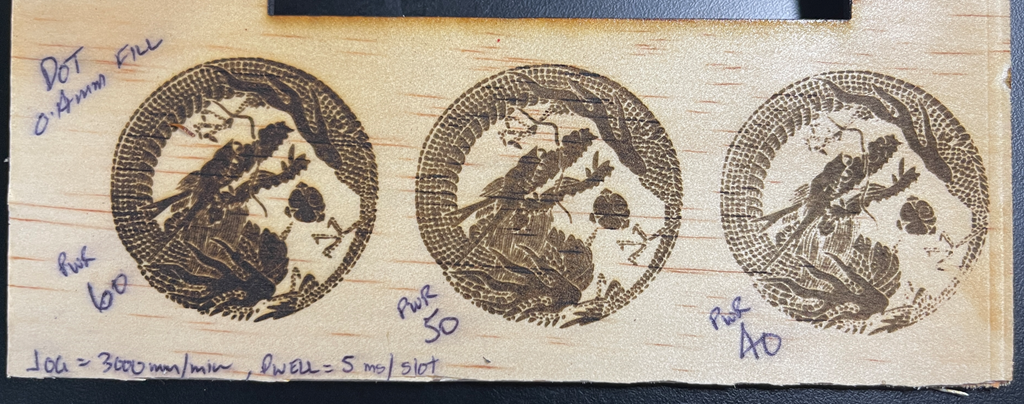
I also tried a larger, non vector image to etch as shown. The settings were:
Grayscale
Contrast = 50
Bright = 50
White clip = 255
Grey scale conversion = Luma
Algorithm = Atkinson
Dot filled engrave
Movement = Dot
Fill interval = 0.14mm
Dwell = 5 ms/dot
Laser Power = 55
Jog speed = 3000 mm/min
Total time to complete = 2 hours and 39 mins
As you can see, the graphic did not fully print in places. I put this down to the plywood not being completely flat. The resolution there would be to sand the board before printing.
There are also a lot of lines, which I think is the plywood grain running through the image. I do have some less ‘grainy’ wood I can try again with but again, may be some sanding of the material prior is a worthwhile investment for a better result.
Even given the material was a little warped I think I’ll need to up the power a bit to maybe 65% to get a darker and more defined result.
The challenge here is that the print took over 2.5 hours and that is a long time with extractor fan running a full bore. It is easy enough for me to wear earmuffs but I might need to think about sound proofing the extractor somewhat or it is going to be very distracting in the shop, given it is one open area!
The best thing about laser etching wood is that the mistakes are much more recyclable than those from 3D printing filaments. I get the feeling that I have a lot more laser etching testing to do until I did a formula I can depend on.


 CIAOPS Labs