

I’ve been attempting to get an LCD display connected to the ESP32-S2 WROOM controller but wasn’t having any luck:
Luckily, I worked out that I needed to:
to make it work. For that I’d used a:
Gravity:I2C LCD1602 Arduino LCD Display module
which has everything built into the board.
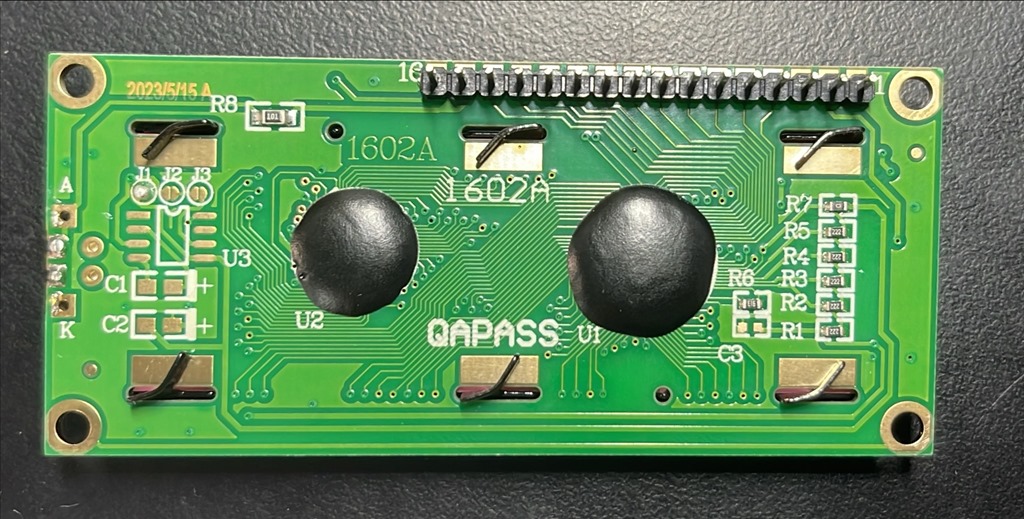
After finding the error of my ways I wanted to circle back and get the original
display working with the
I2C LCD Backpack for 1602 to 2004 LC
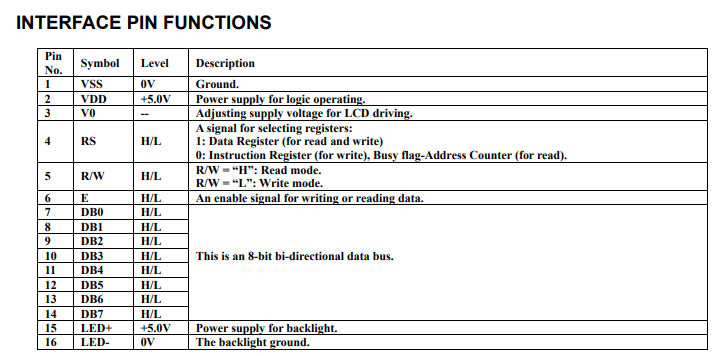
Once I had wired the backpack to the LCD display (basically just a process of aligning pins on the breadboard), I connected up power and SCL and SDA to the backpack. I connected to the SDA and SCL on the ESP32-S2 Thing Plus as well as ensuring the grounds of the ESP32-S2 Thing Plus and the external power for the display were connected!
For the code I added the LiquidCrystal_I2C library and then the header:
#include <LiquidCrystal_I2C.h>
next I initialised an object:
LiquidCrystal_I2C lcd(0x27,16,2);
with an module address at 0x27 (the default) and 16 columns by 2 rows.
In setup I initialised the module by:
lcd.init();
turned on the backlight:
lcd.backlight();
and finally output text to the LCD display:
lcd.print(“Hello, world!”);
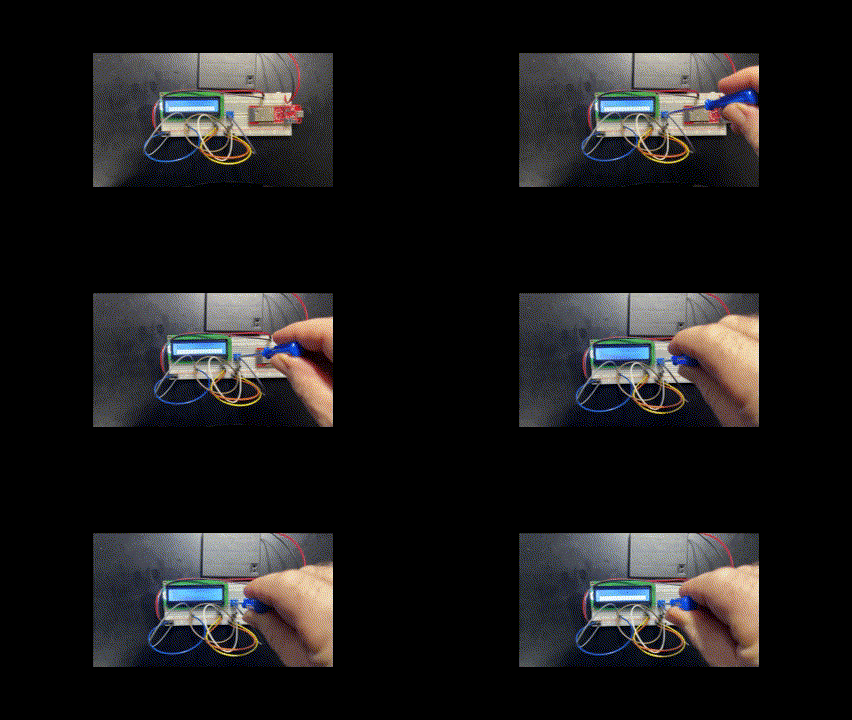
Once I compiled the code and uploaded to the ESP32-S2 Thing Plus I saw:

which was very satisfying.
The learning from all this has been to ALWAYS ensure that all the grounds are connected together. However, I’ve also learned that life is much easier with a completely integrated display like the:
Gravity:I2C LCD1602 Arduino LCD Display module
rather than trying to configure just the LCD directly or even be interfacing with a dedicated I2C backpack. It is far easier if all that stuff is built into the LCD module and all the control comes from SDA and SCL.
Lessons learned. Bring on the next challenge.



 CIAOPS Labs