

Now that I have the Keyestudio KS0172 board working time for some customisations of the flashing LED.
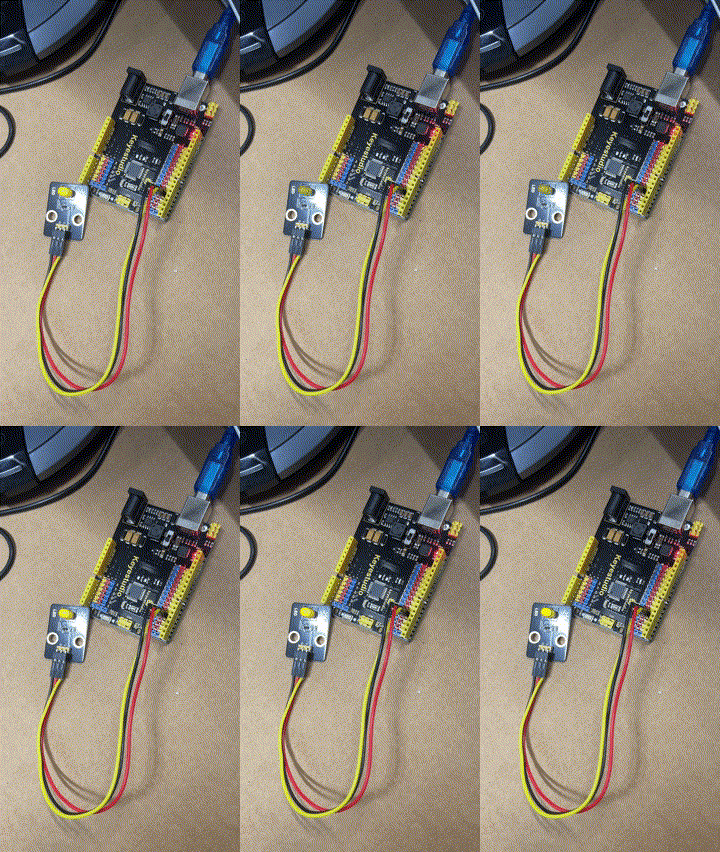
First, make it flash faster. That is simply done by delay statement in the code here:
https://github.com/directorcia/Azure/blob/master/Iot/Keyestudio%20KS0172/Lesson_1.2/main.cpp
The lower the number the faster it flashes.
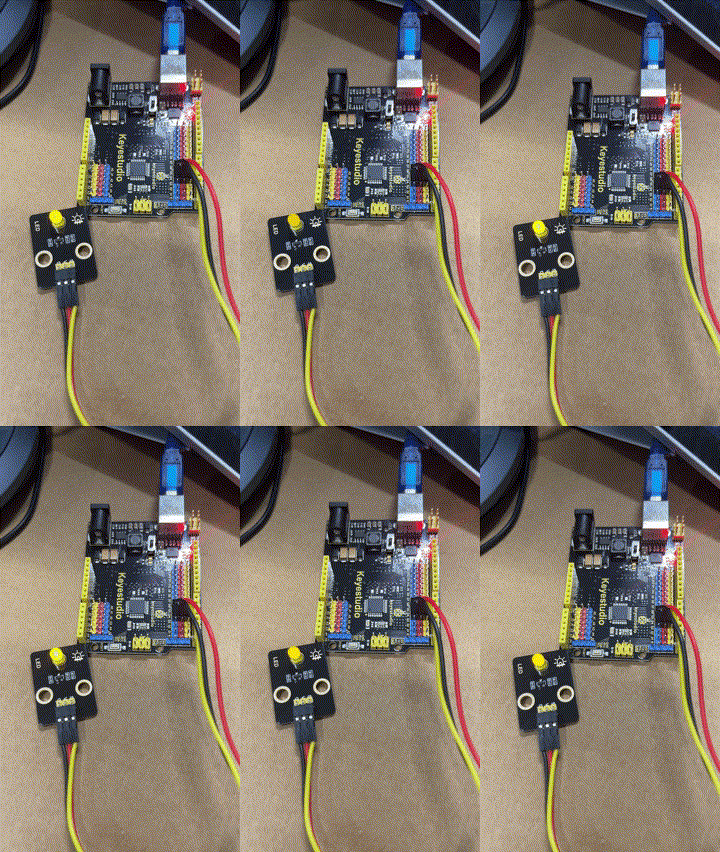
Next, get the LED to fade in and out. The code for this is here:
https://github.com/directorcia/Azure/blob/master/Iot/Keyestudio%20KS0172/Lesson_2.2/main.cpp
This uses a new function I was not aware of:
The analogWrite function is used in Arduino programming to output a PWM (Pulse Width Modulation) signal to a specified pin. Here’s a detailed explanation:
Purpose
analogWrite is used to control the brightness of an LED or the speed of a motor by varying the duty cycle of the PWM signal.
Syntax
analogWrite(pin, value);
Parameters
pin: The pin number to which the PWM signal is sent. This must be a pin that supports PWM (usually marked with a~on Arduino boards).
- value: The duty cycle of the PWM signal. It ranges from 0 to 255:
0means 0% duty cycle (always off).
255means 100% duty cycle (always on).
- Values in between correspond to varying levels of on/off time.
This code creates a smooth fade-in and fade-out effect for the LED.
 CIAOPS Labs